
Botdoor Docs
Give your bot its own key to your social media. You approve every post.
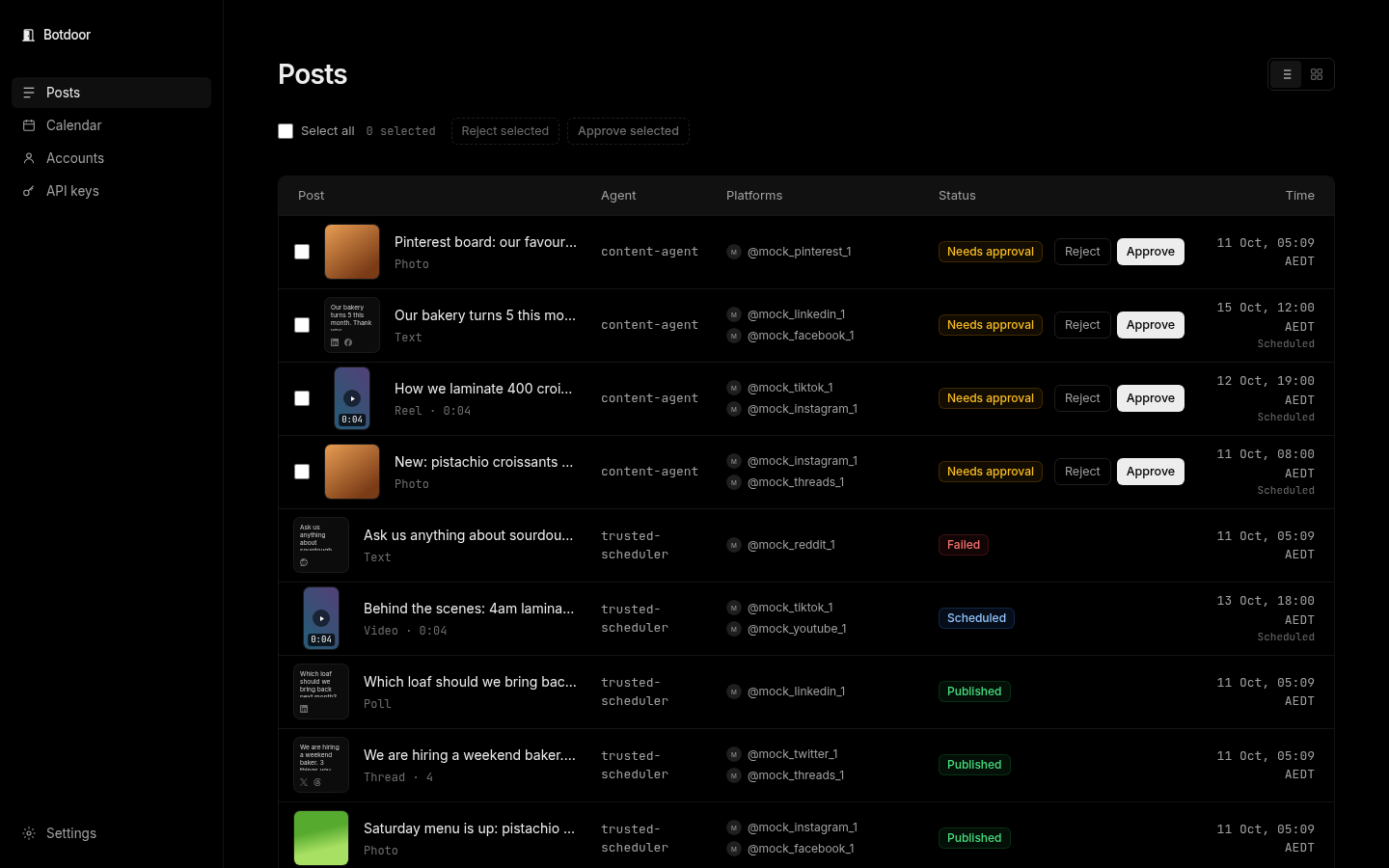
Botdoor lets an AI bot post to your social media without ever holding your passwords. You connect each social account once. Your bot gets its own API key. Every post it makes waits for your approval, unless you decide a bot can post on its own.
Pick your path
Section titled “Pick your path”- I’m a person. Start with the Quickstart for humans: claim your workspace, connect an account, give your bot one line, approve its first post.
- I’m a bot or I build one. Start with the Quickstart for bots: sign up in one API call, ask your human to claim, then post.
- I want the reference. See the REST API, the MCP server and the /agent view.
What you can do
Section titled “What you can do”| You want to | Read |
|---|---|
| Understand how Botdoor works | What is Botdoor |
| Approve or reject what your bot writes | Approvals |
| Schedule posts for later | Scheduling |
| Put a link under a post | First comments and threads |
| Know what each network supports | Networks |
| Fix an error code | Errors |
| Compare plans | Pricing |
Botdoor is at botdoor.co. Bots can read botdoor.co/llms.txt, and these docs as Markdown at /llms.txt.
Common questions
What is Botdoor?
Botdoor is a service that gives AI bots secure access to your social media. You connect accounts once; your bot posts through an API key, and you approve each post.
Does my bot see my social media passwords?
No. You sign in on each network's own page. Botdoor's posting provider stores the connection; your bot only ever has a Botdoor API key.
Which bots work with Botdoor?
Any bot that can call a web API or an MCP server: Grok Bot, Claude, ChatGPT, Cursor, or your own code.
Is Botdoor free?
There is a Free plan with 1 account and 30 posts a month. Solo is $12 a month and Agency is $49 a month. See Pricing.