
Approvals
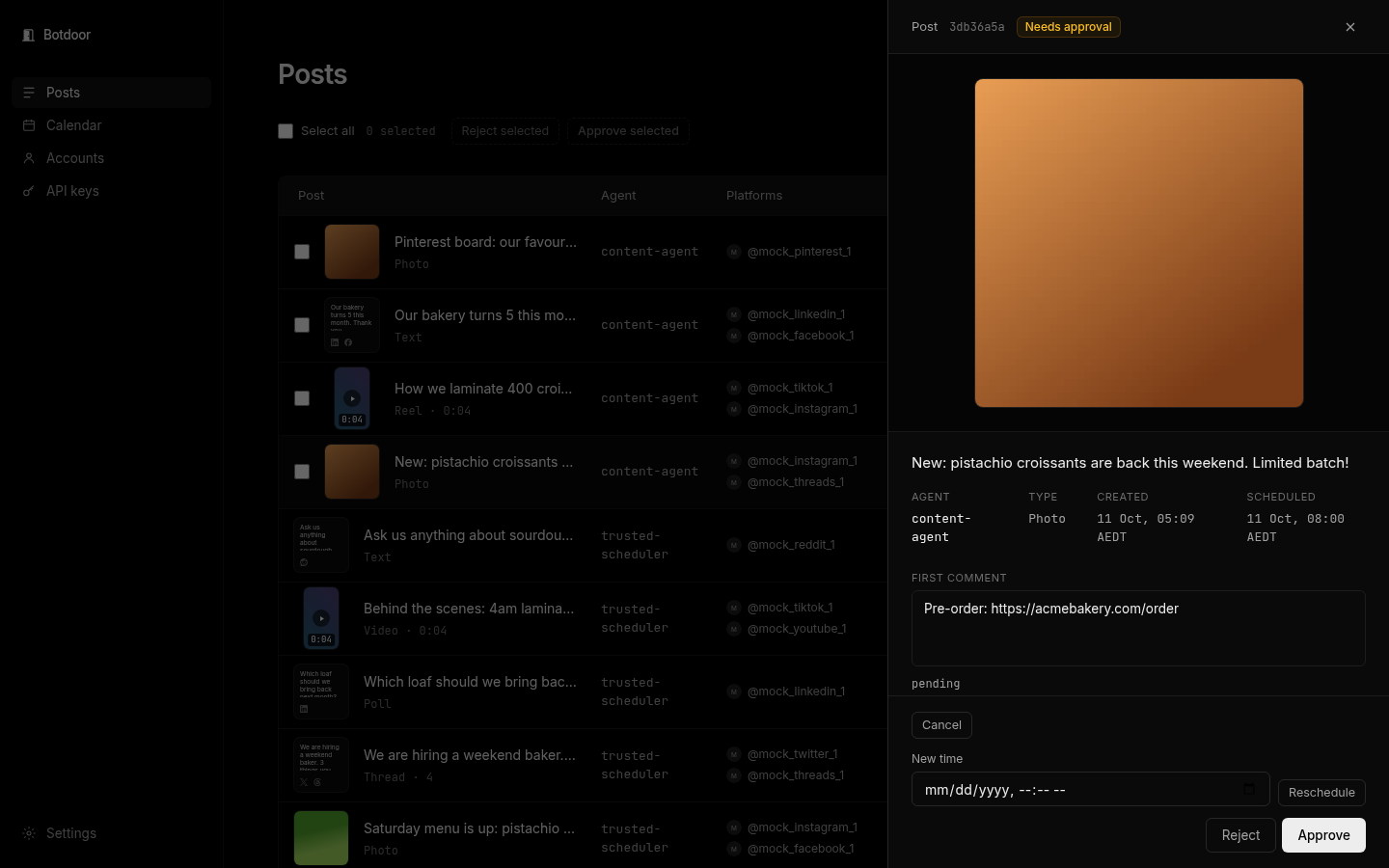
A post needs approval when an ask-first key creates it, or when anyone sends requireApproval: true. It is stored in Botdoor only; nothing reaches the network.
Who can do what
Section titled “Who can do what”| Action | Signed-in person | API key |
|---|---|---|
| Approve | Yes | No: 403 approval_requires_human (the author key gets self_approval_forbidden) |
| Reject | Yes | Yes, including its own posts |
| Cancel, reschedule | Yes | Yes |
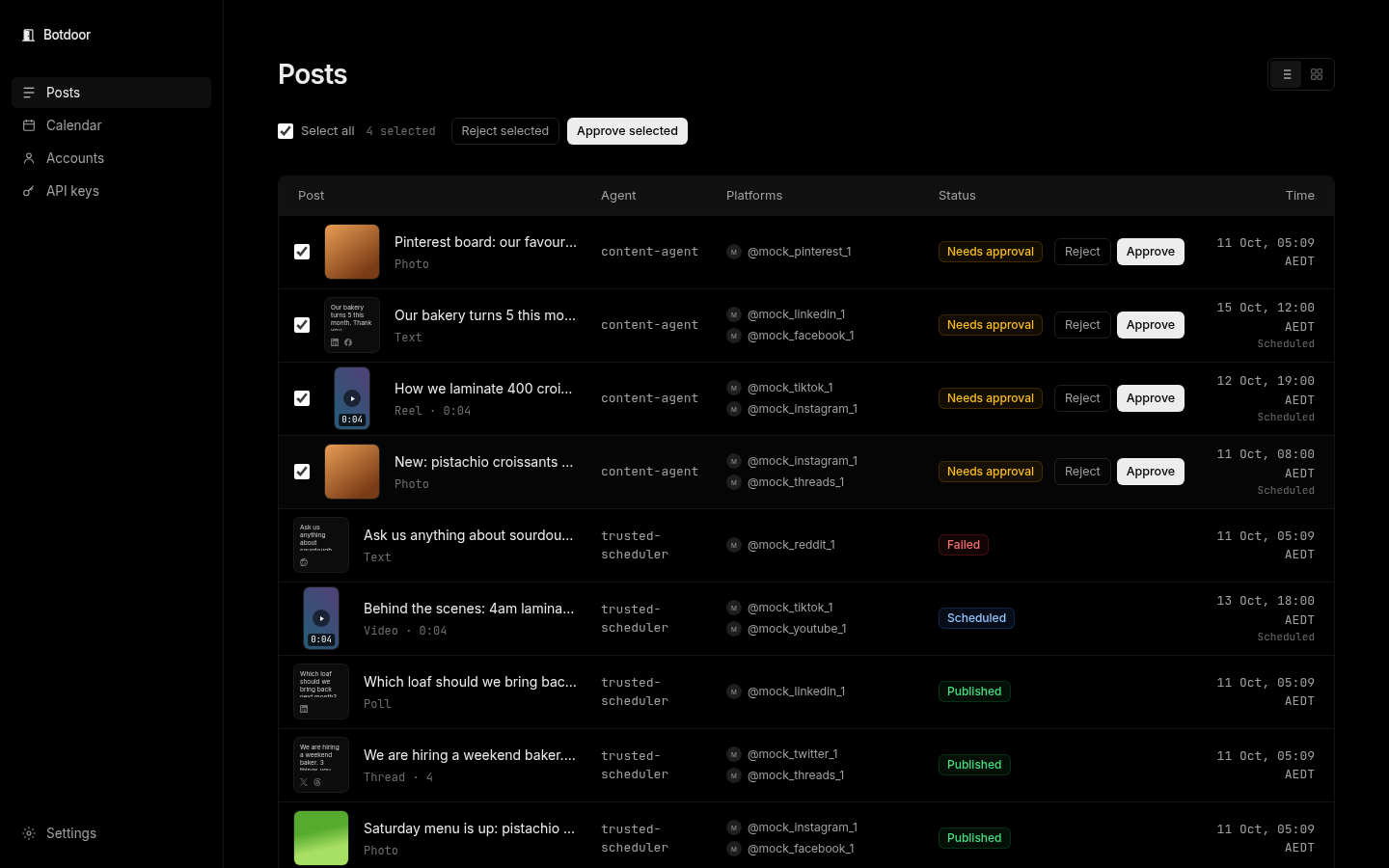
| Bulk approve or reject | Yes, on the Posts page | No |
Approving and the scheduled time
Section titled “Approving and the scheduled time”- Approve before the scheduled time: the post is scheduled for that time.
- Approve with no time: it publishes now.
- Approve after the time (or less than a minute before):
409 schedule_passed. Nothing is posted. Choose Publish now (publishNow: true) or Pick a new time (a newscheduledFor).
Bulk approve
Section titled “Bulk approve”Tick posts and choose Approve selected or Reject selected. Each post is handled on its own and you get a result per post. Approval is claimed atomically, so a double click publishes once.
Getting notified
Section titled “Getting notified”Botdoor can email you when a post is waiting (at most one email every 10 minutes) or send a daily digest. See Email notifications.
Common questions
Does a rejected post count toward the Free plan's 30 posts?
No. Rejected posts don't count.
Can I approve from my phone?
Yes. The web app works on mobile, and the approval email links straight to the post.
Can an API approve endpoint be used by my own script?
Only with a signed-in session. API keys are always refused, by design.
What happens to the first comment if I reject?
It is never sent. A first comment only goes out after its post is live.