
Signing in and passwords
Sign in at botdoor.co/login with your email and password.
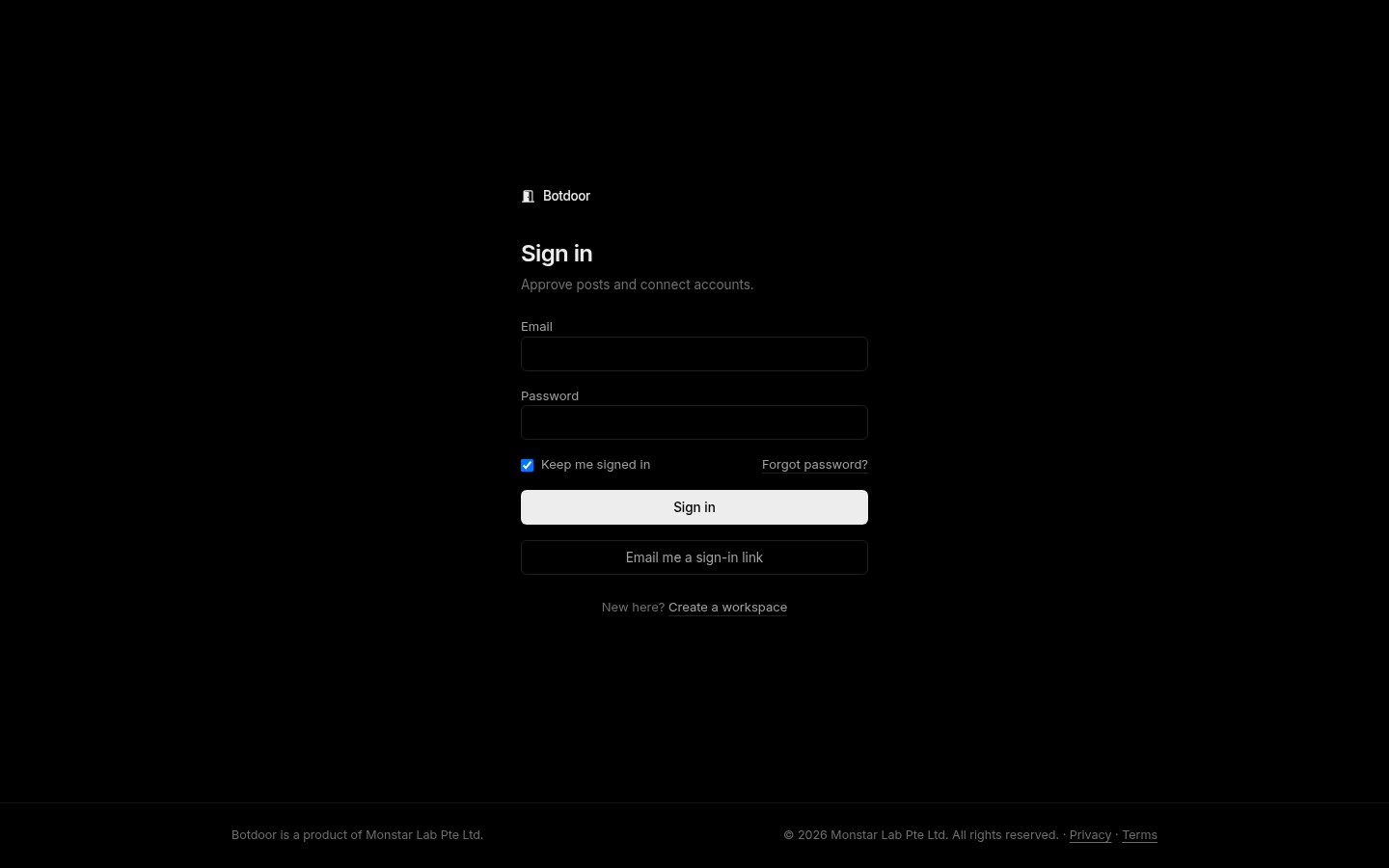
- Keep me signed in (on by default) keeps you signed in for 30 days. Off, you’re signed out when the browser closes (at most 24 hours).
- Change password is in Settings. Changing it signs out your other sessions.
- Forgot password? emails a reset link to your account’s address. It works once and expires after 1 hour.
Email me a sign-in link
Section titled “Email me a sign-in link”No password handy? Type your email on the sign-in page and press Email me a sign-in link.
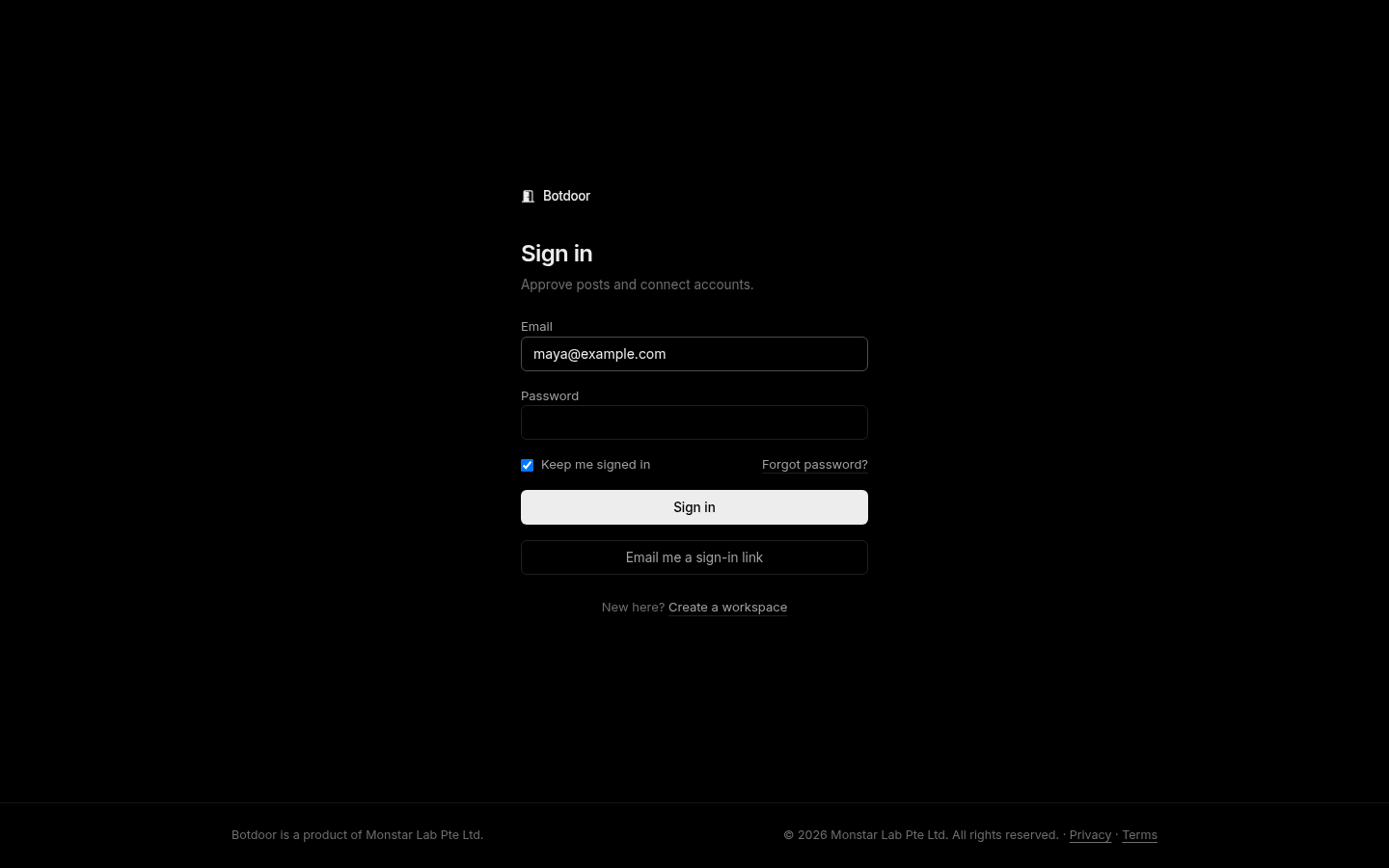
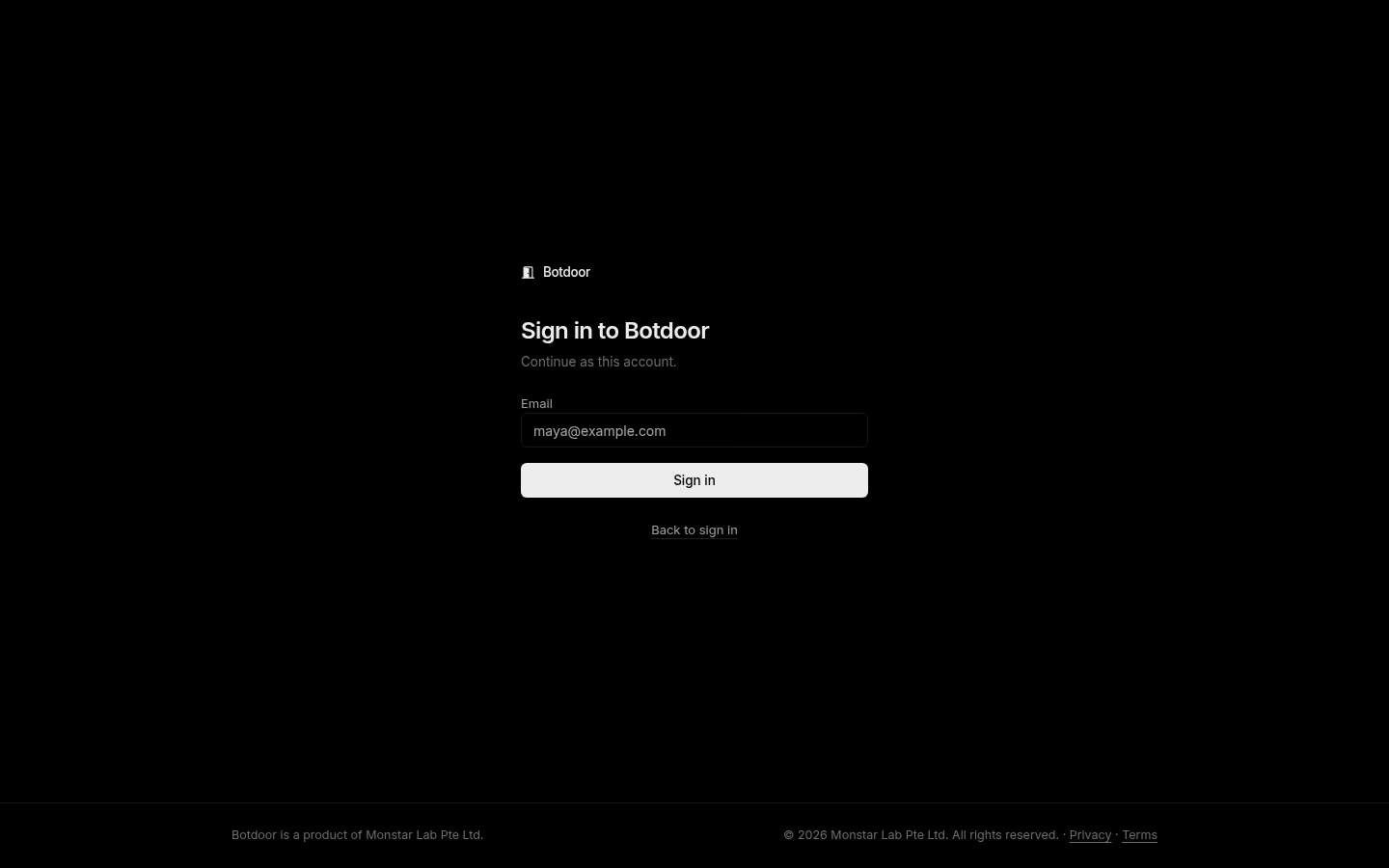
- The link works once and expires after 15 minutes. Opening it shows a Sign in button; pressing it signs you in.
- Keep me signed in applies the same way as for a password sign-in.
- Changing or resetting your password cancels any link not used yet.
- You get the same answer whether or not the address has an account. Workspaces a bot created and nobody has claimed yet get no link: use the claim email instead.
- At most 3 links an hour per address.
There is no social login.
Common questions
I forgot my password.
Click Forgot password? on the sign-in page. A single-use reset link valid for 1 hour is emailed to your account's address.
Can I sign in without my password?
Yes. Press Email me a sign-in link on the sign-in page. The link works once and expires in 15 minutes.
How long does a session last?
30 days with Keep me signed in, otherwise until the browser closes (24 hours at most).
Can I change my email address?
Not in the app yet. Email privacy@botdoor.co.