
Social accounts
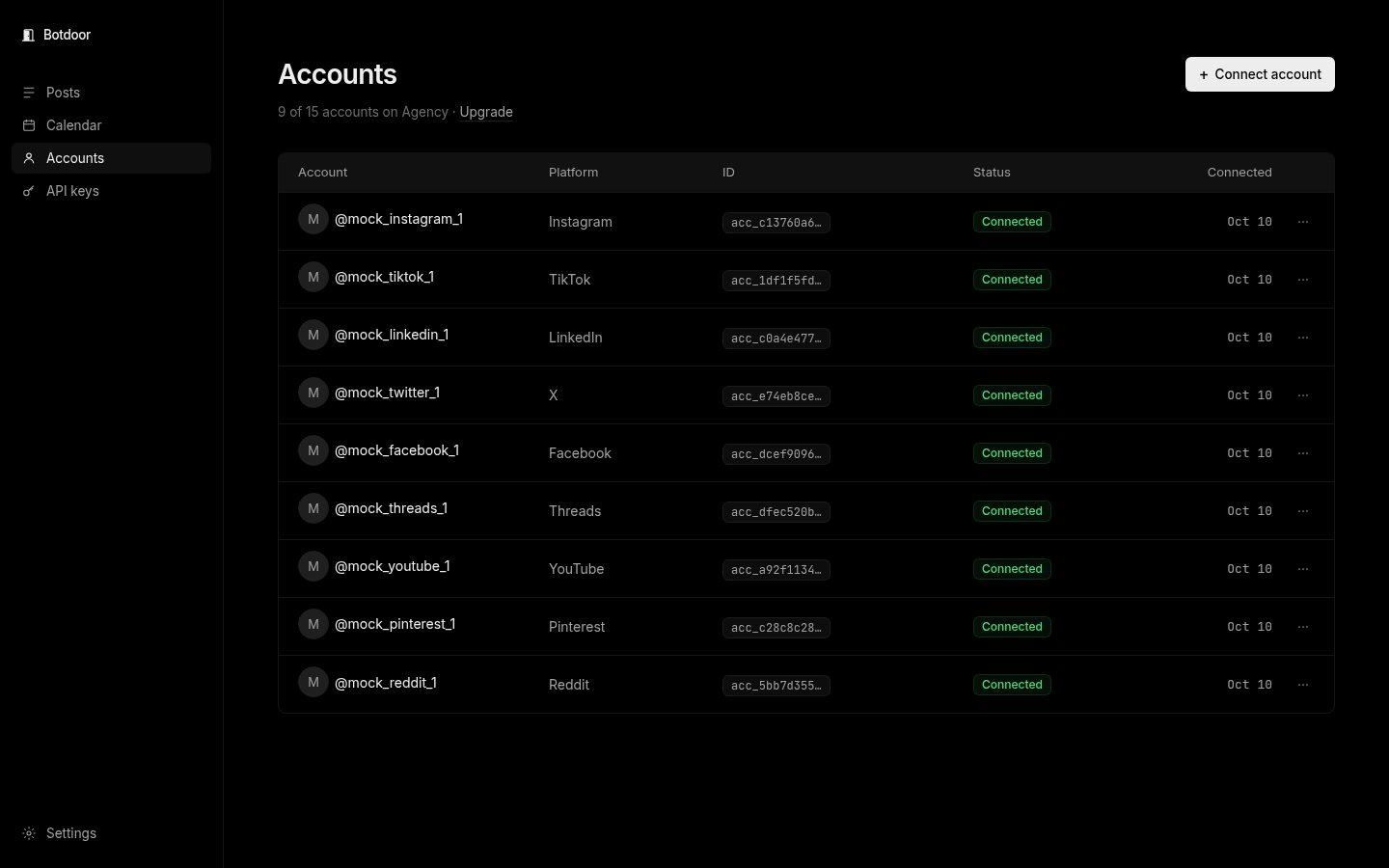
An account is one connected social profile, for example @acmebakery on Instagram. Your bot posts to accounts by their Botdoor id.
Connect
Section titled “Connect”Click Connect account, pick a network and sign in on that network’s own page. Facebook pages, LinkedIn organisations and Pinterest boards are picked there too. Bluesky uses an app password on a small Botdoor page.
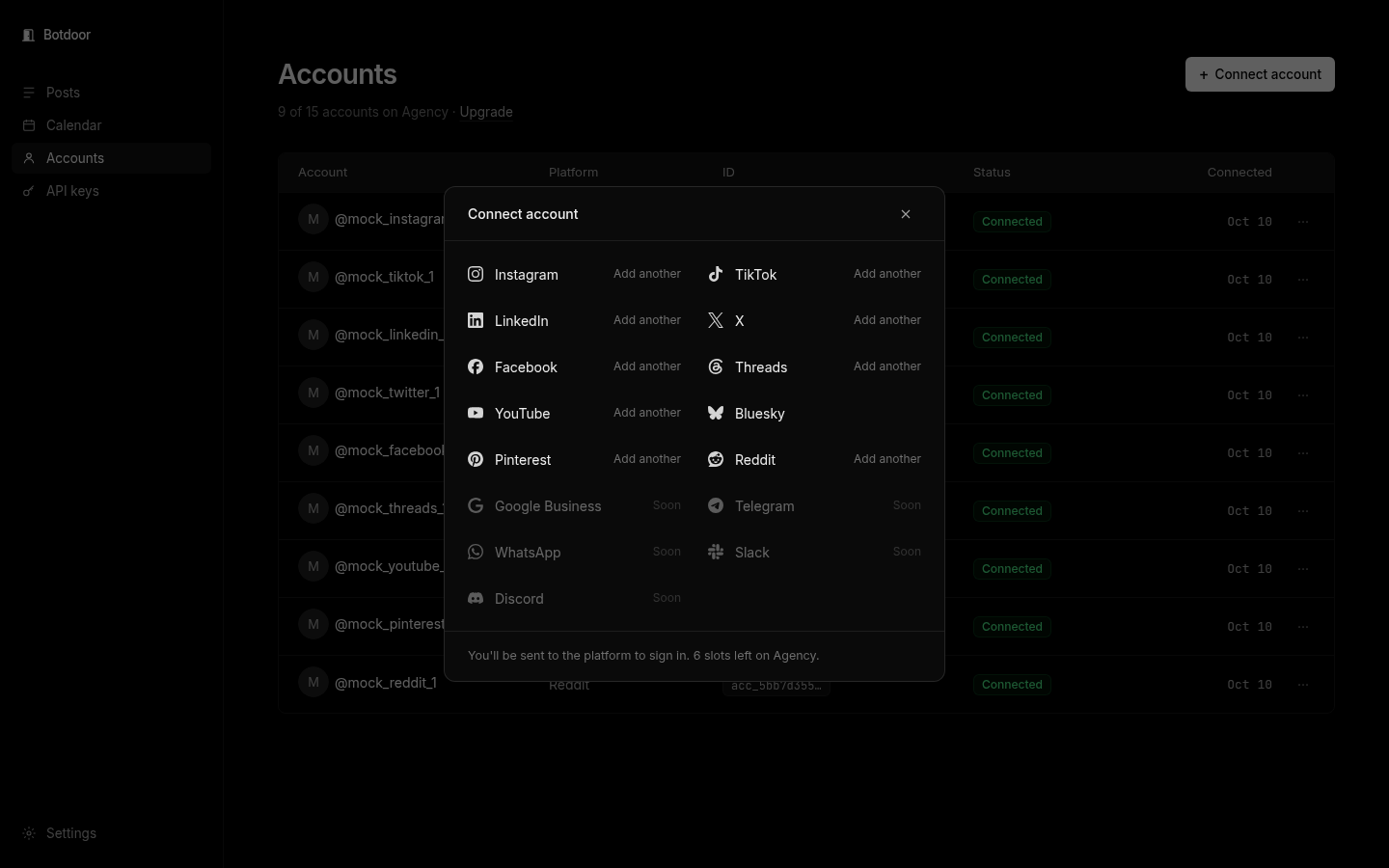
A bot can’t sign in for you, but it can fetch the link: GET /api/v1/connect/{platform} returns {url} for you to open. See Connect.
Several accounts on one network
Section titled “Several accounts on one network”You can connect more than one account per network (the dialog says Add another) until your plan’s account total.
Reconnect
Section titled “Reconnect”If a network stops accepting posts (expired sign-in, removed permission) the account shows Reconnect and posts to it fail with account_needs_reconnection. Click Reconnect, or use GET /api/v1/connect/{platform}?reconnect={zernioAccountId}. You can also get an email; see Email notifications.
Limits
Section titled “Limits”| Plan | Accounts | X |
|---|---|---|
| Free | 1 | No |
| Solo | 3, +$4 each extra | Yes |
| Agency | 15, +$3 each extra | Yes |