
Approving posts
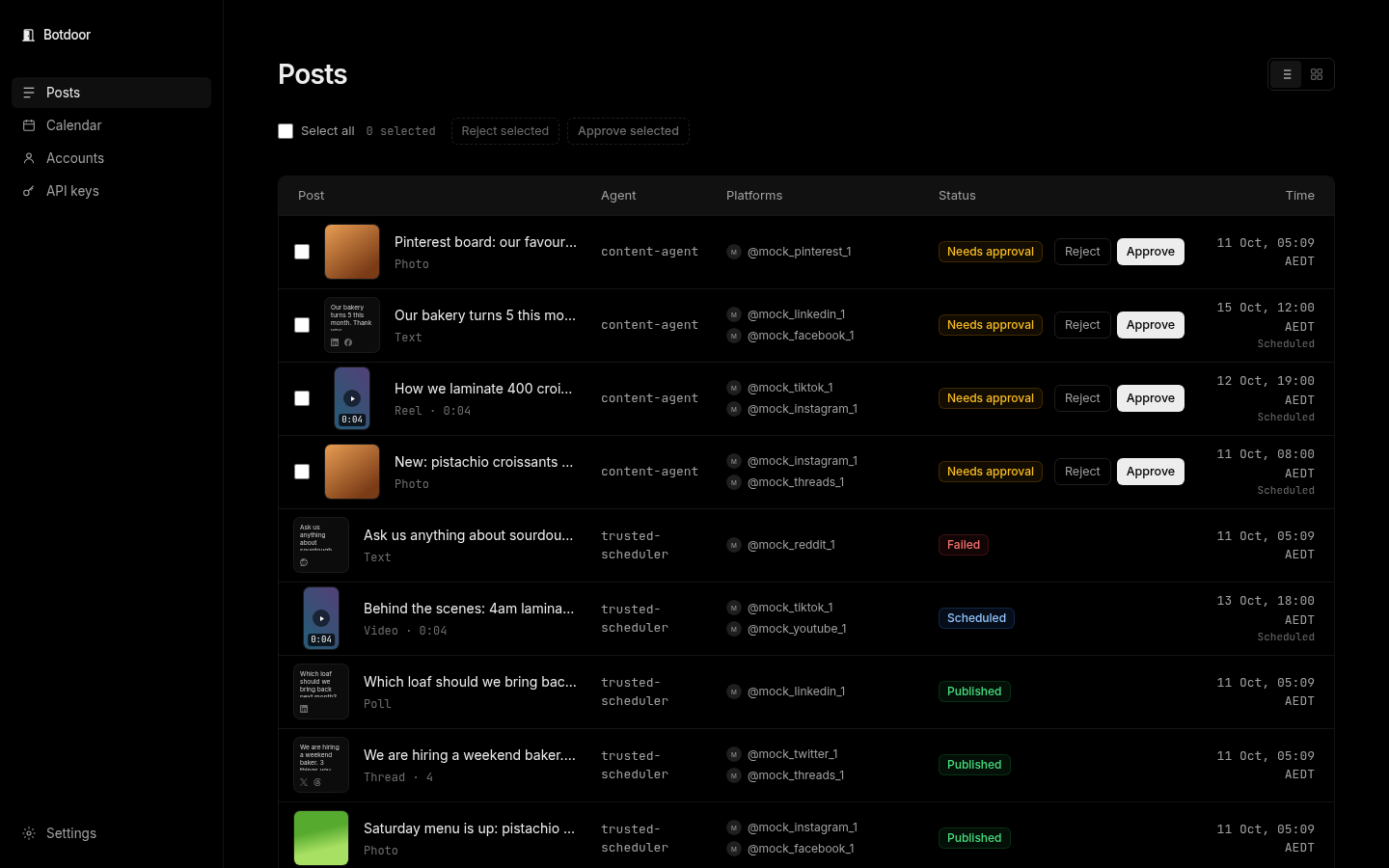
Posts from an ask-first key wait on the Posts page with the status Needs approval. Nothing reaches the network until you approve.
Review one post
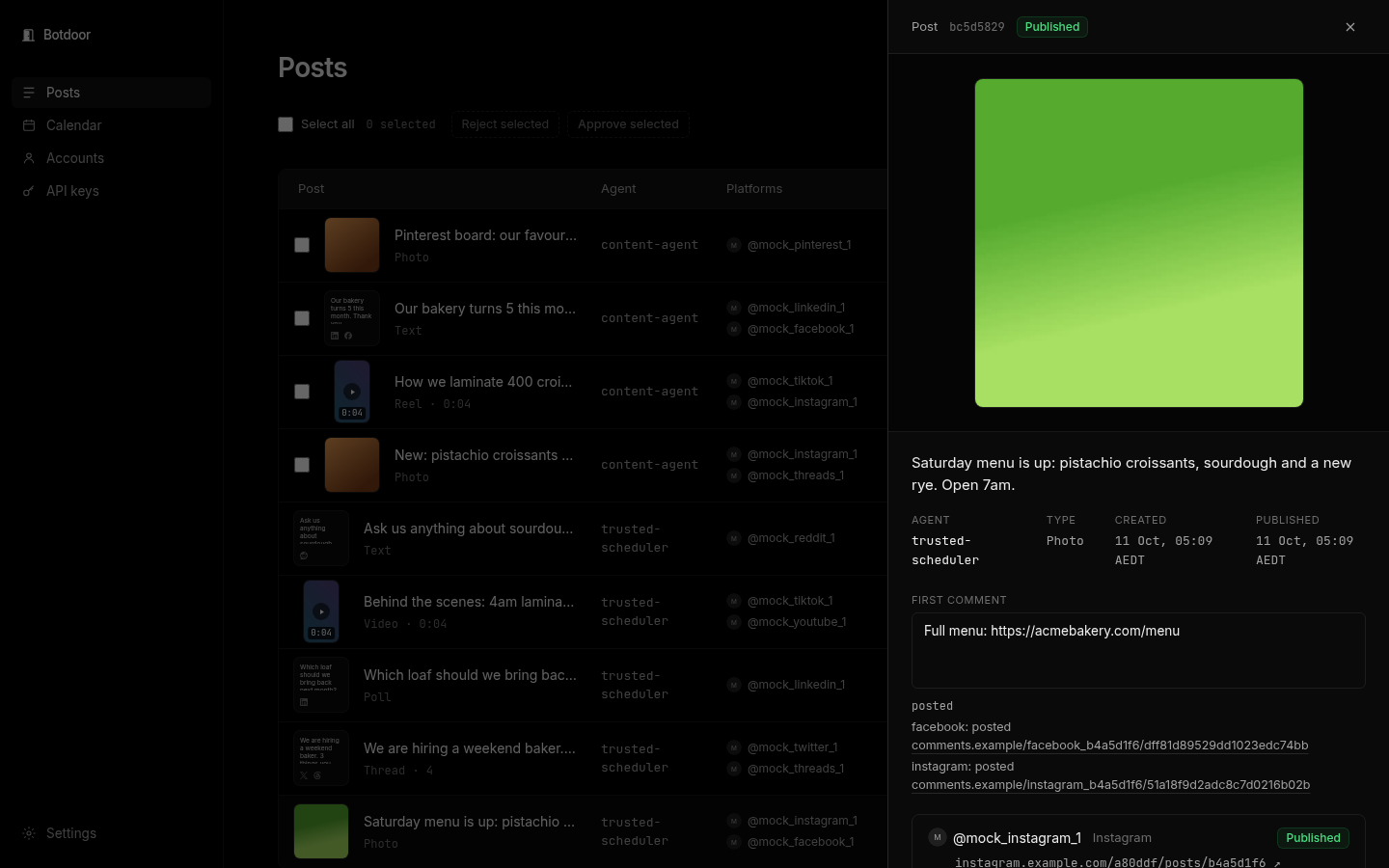
Section titled “Review one post”Click a post to open it. You see the media, the full text, the first comment, the agent (key) that wrote it, the accounts it goes to and the scheduled time.
- Approve publishes now, or schedules it if it has a future time.
- Reject stops it for good. It is never published.
- Reschedule moves the time. Cancel withdraws a post that hasn’t gone out.
If the scheduled time already passed, approving offers Publish now or Pick a new time. Botdoor never posts late without asking.
Approve or reject many at once
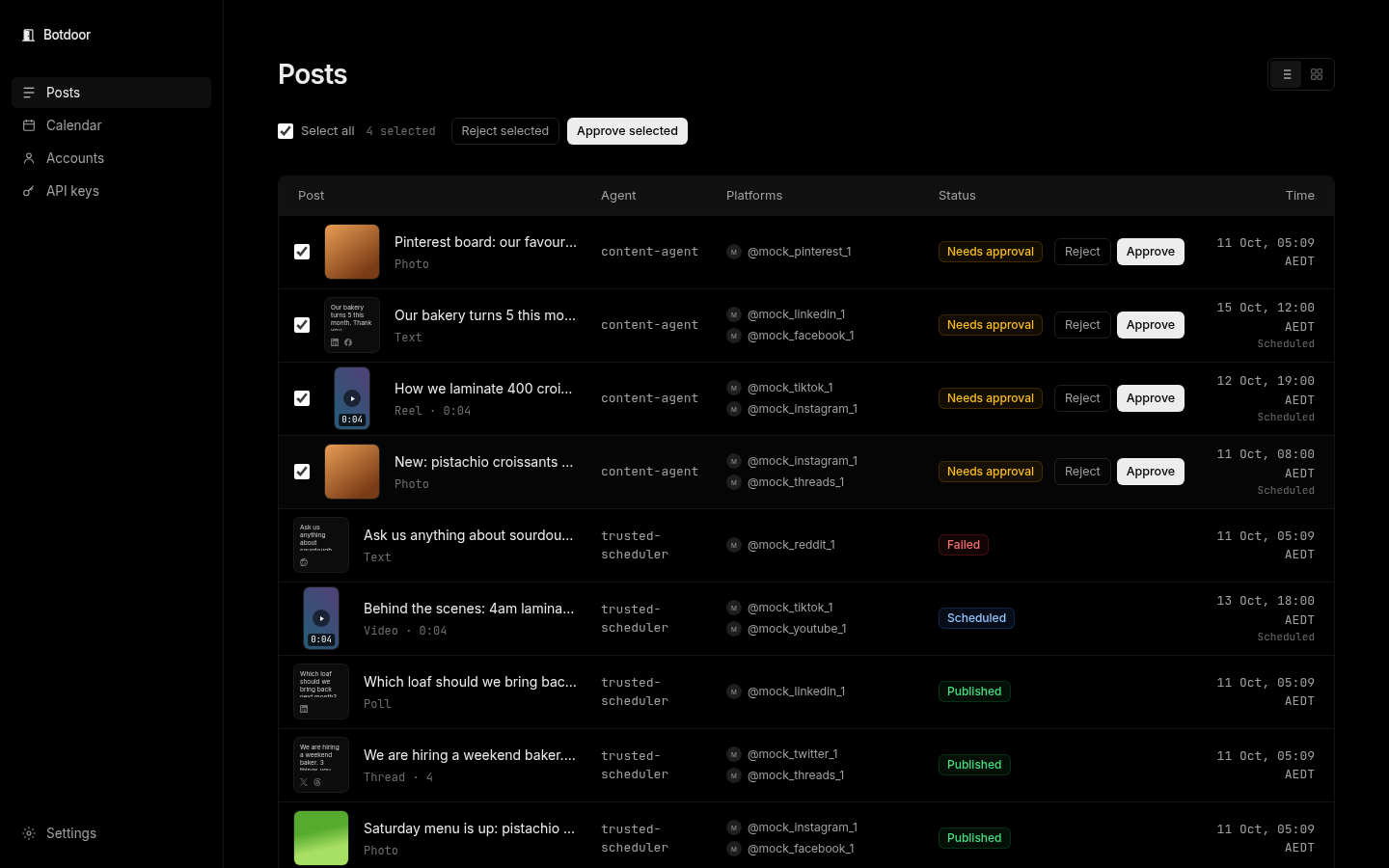
Section titled “Approve or reject many at once”Tick the posts (or Select all) and click Approve selected or Reject selected. Botdoor confirms, then shows a result per post.
Grid view
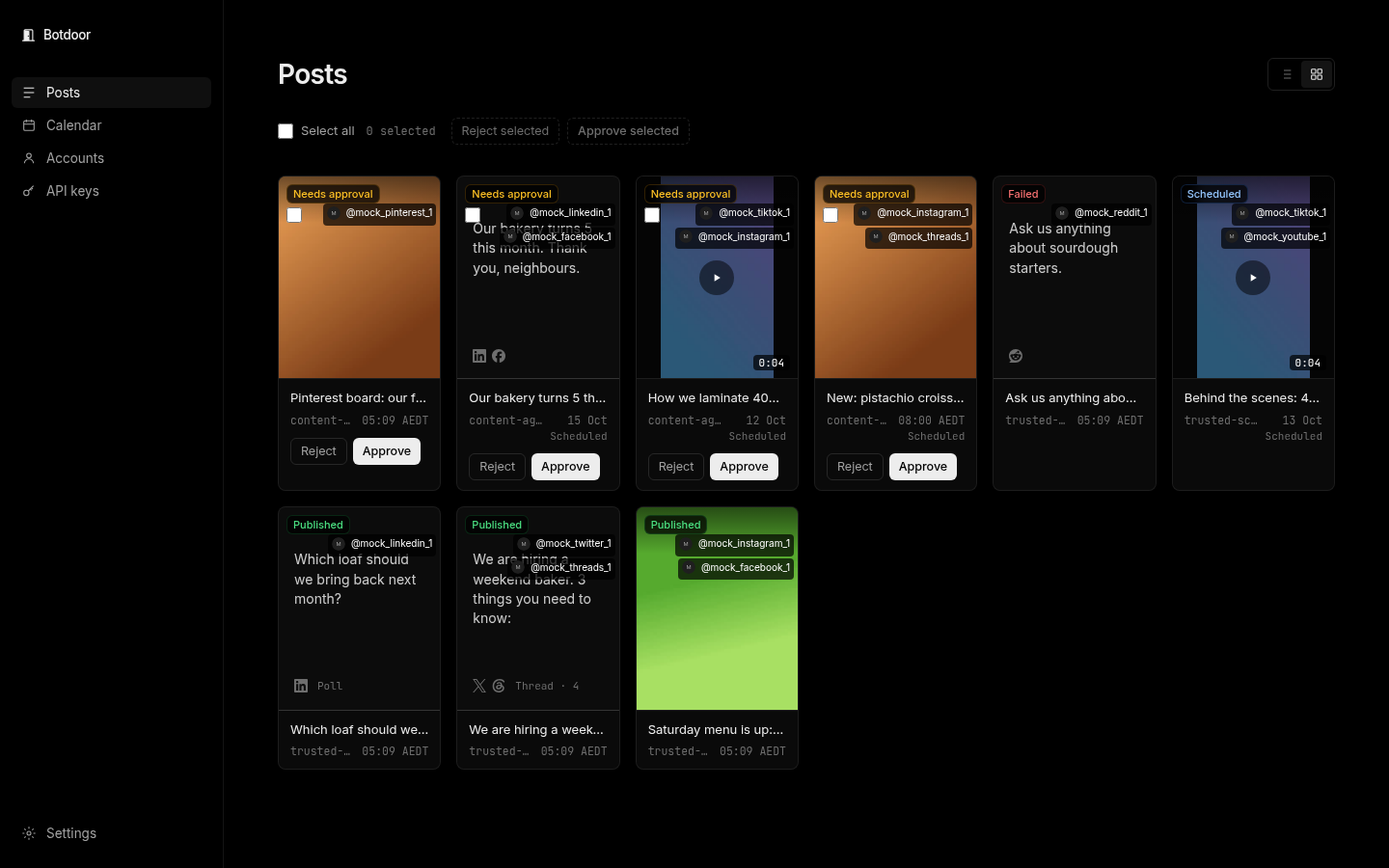
Section titled “Grid view”The grid shows each post as a tile with its media, handy for visual networks.
Live and failed posts
Section titled “Live and failed posts”Published posts link to the live post on each network. Failed posts show the network’s reason. See Troubleshooting.
Common questions
Can I edit a post before approving it?
Not in Botdoor. Reject it and ask your bot for a new version, or reschedule to change only the time.
Does bulk approve work over the API?
No. Bulk approve and reject are only on the signed-in Posts page. API keys can never approve.
What does Needs approval mean?
The post is stored in Botdoor and has not been sent to any network. It waits until a signed-in person approves or rejects it.
What if I approve after the scheduled time?
Botdoor refuses to post late (schedule_passed) and offers Publish now or Pick a new time.